


Microsoft “Important Mail” Email Scam: How to Spot It
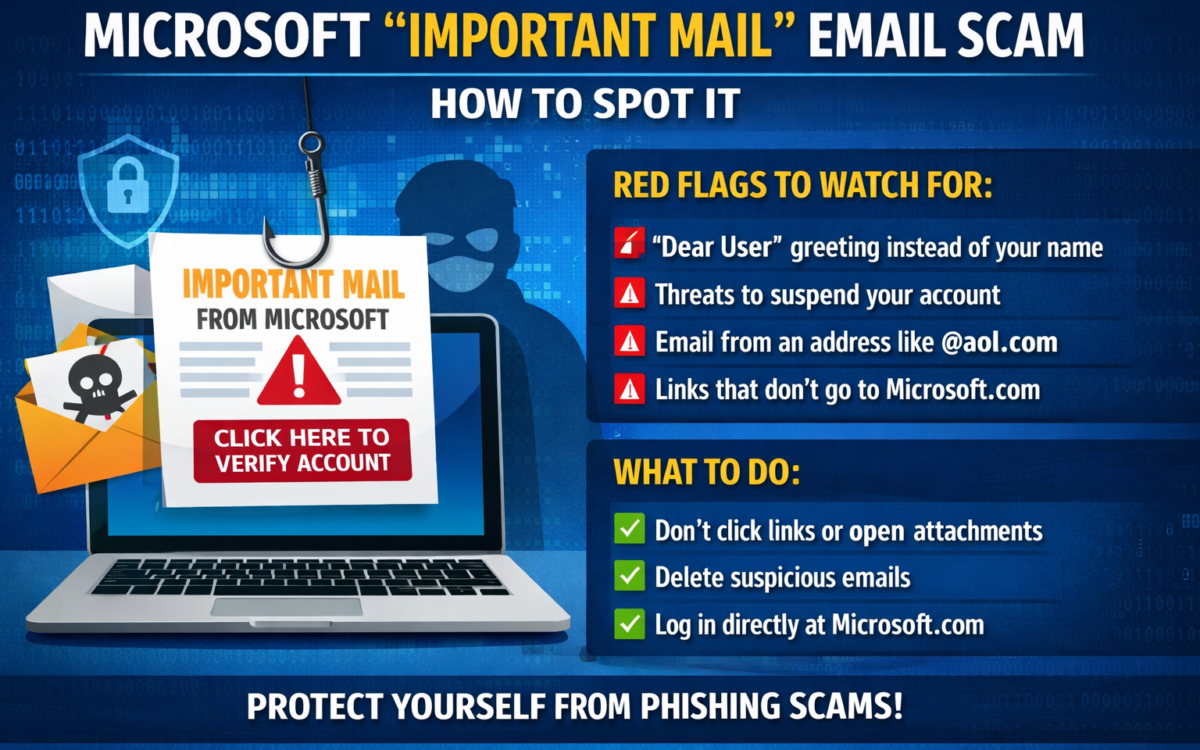
A new phishing campaign is circulating that impersonates a Microsoft security alert titled
“Important Mail.” The goal of this scam is to trick users into clicking malicious links and submitting their login credentials.
Key Warning Signs

Generic Greeting
The email usually starts with vague greetings such as “Dear User” instead of your real name.

Urgent Language
The message pressures you with threats like account suspension or loss of access if you don’t act immediately.

Suspicious Sender Address
The email often comes from public domains (such as @aol.com) rather than an official Microsoft email address.

Fake Links
Links inside the email do not redirect to official Microsoft domains, even if they look legitimate.
How the Scam Works
When users click the link, they are redirected to a fake login page designed to capture email addresses and passwords, potentially giving attackers access to multiple personal accounts.
Safety Recommendations
1. Do Not Click Links
Avoid clicking any links or opening attachments in suspicious emails.
2. Delete the Email Immediately
Removing the message reduces the risk of accidental interaction later.
3. Access Accounts Directly
If you’re unsure, visit Microsoft’s official website directly through your browser instead of using email links.
For guidance on integrating technology at home, contact H2Connect or learn more at EdTech Magazine.