

Public Wi-Fi requires extra caution
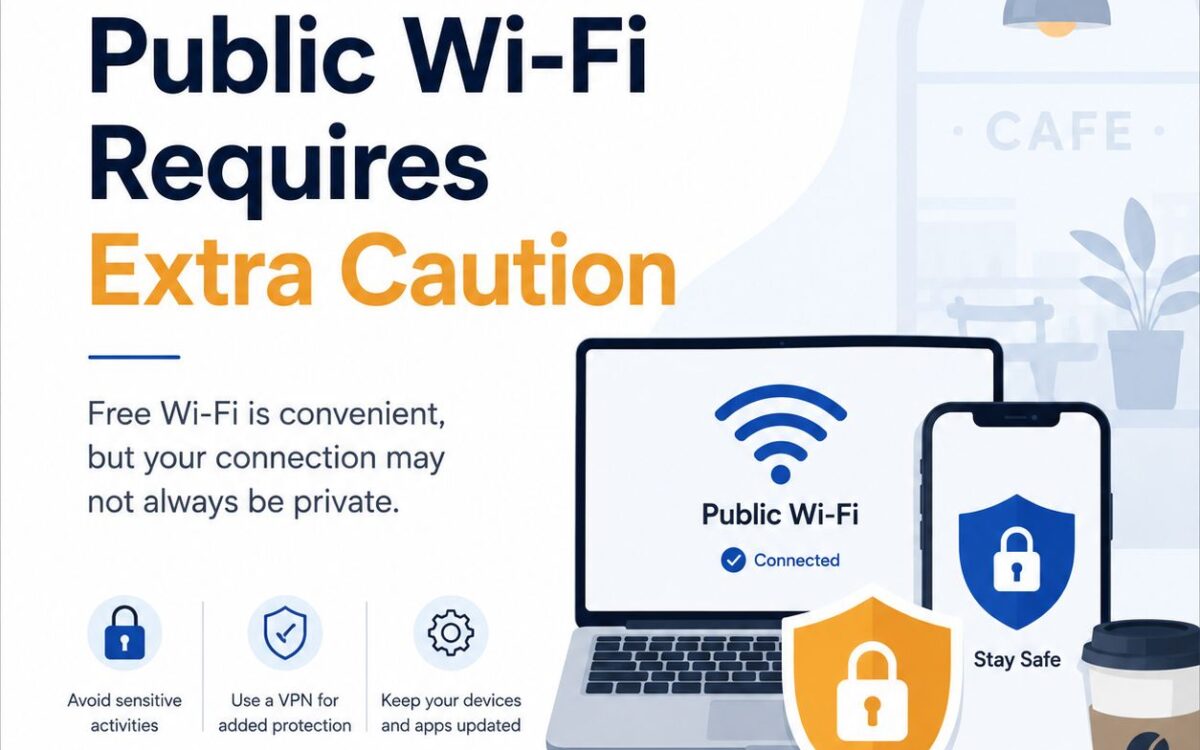
Free Wi-Fi is convenient, but your connection may not always be private.
Public Wi-Fi can be useful when you are at an airport, hotel, café, library or shopping center. However, open networks may expose you to fake hotspots, unsecured connections or other users attempting to intercept information.
Before connecting, confirm the official network name with an employee or posted sign. Cybercriminals may create networks with similar names to trick people into connecting.
Whenever possible, avoid accessing banking accounts, entering payment information, sending confidential work documents or changing important passwords while using a public network. Most modern websites encrypt the connection, but it is still important to check that the website address begins with https and that your browser does not display a security warning.
For additional protection:
- Use mobile data or a personal hotspot for sensitive activities.
- Turn off automatic Wi-Fi connections.
- Enable multi-factor authentication on important accounts.
- Keep your operating system, browser and applications updated.
- Disable file sharing and device discovery in public places.
- Disconnect from the network when you are finished.
- Avoid leaving your phone or laptop unattended.
Public Wi-Fi does not have to be avoided completely. A few precautions can help you browse, work and communicate with less risk.
Tags: #PublicWiFi #OnlineSafety #SafeBrowsing #CybersecurityTips #DataProtection #DigitalSecurity #InternetSafety