


Wired vs. Wireless Internet: When should you use each one?
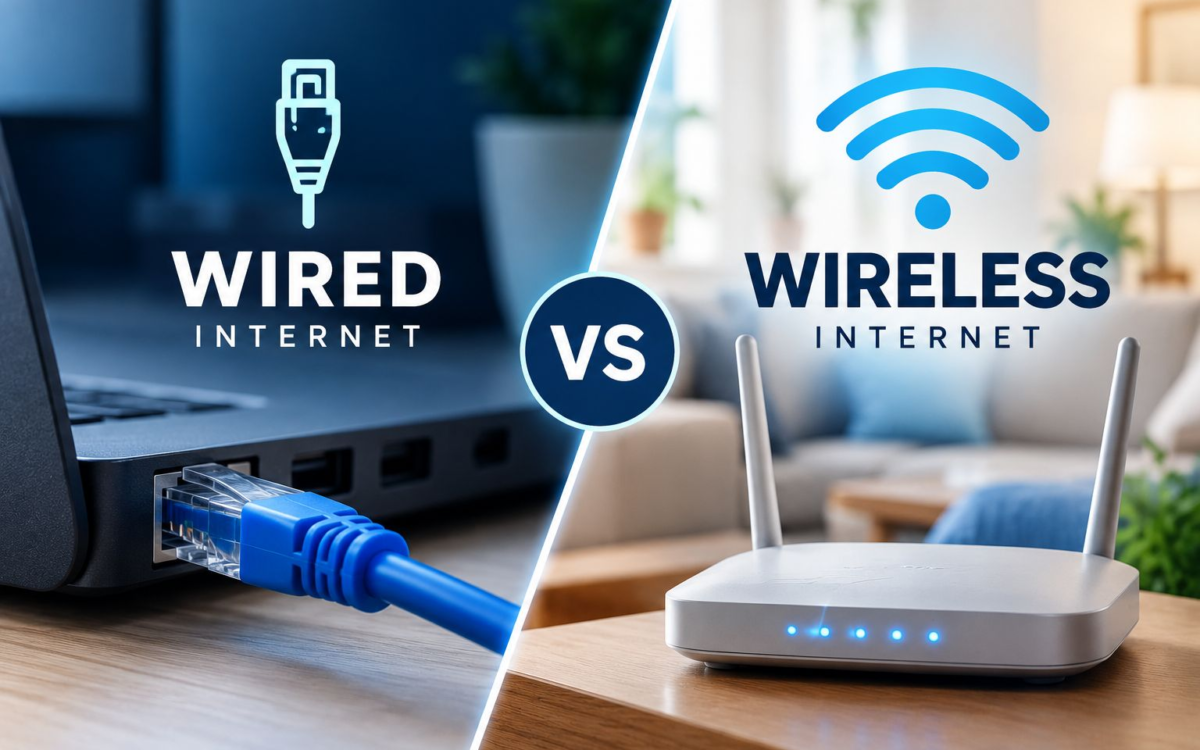
Both wired and wireless connections are useful at home, but they are not always ideal for the same activities.
A wireless connection gives you flexibility and convenience, while a wired connection can provide more consistent performance for devices that need a stable connection.
Understanding when to use each one can help you get more from your home internet without changing your plan.
When wireless makes more sense
Wi-Fi is usually the best option for devices that move around the house or do not need a constant wired connection.
It works well for:
- Smartphones
- Tablets
- Laptops
- Smart-home devices
- Casual browsing
- Social media
- Music streaming
- Everyday video streaming
- Light video calls
The biggest advantage of Wi-Fi is convenience. You can move from room to room without connecting a cable, and several devices can access the same network at the same time.
However, Wi-Fi performance can be affected by distance, walls, furniture, interference and the number of devices connected.
When a wired connection is better
A wired Ethernet connection is often a better choice for devices that stay in one place and benefit from a more stable connection.
Consider using a cable for:
- Gaming consoles
- Desktop computers
- Smart TVs
- Workstations
- Video conferencing setups
- Large file transfers
- Cloud backups
- Streaming in high resolution
- Devices used for live broadcasting
Because the device connects directly to the router, a wired connection usually avoids many of the signal problems that can affect Wi-Fi.
It may also provide lower and more consistent latency, which can be especially useful for gaming, video calls and other real-time activities.
A simple example
Imagine a home where one person is gaming online, another is watching a movie, and someone else is working on a laptop.
The gaming console could use Ethernet for a more stable connection.
The TV could also be connected by cable if it is close to the router.
The laptop and phones can stay on Wi-Fi because mobility is more important for those devices.
Using both types of connections together can help reduce unnecessary demand on the wireless network.
Wi-Fi is not automatically slower
A modern Wi-Fi connection can be very fast, especially when the device is close to the router and there are few obstacles.
For many everyday activities, the difference between wired and wireless may not be noticeable.
The main advantage of Ethernet is usually consistency rather than just maximum speed.
When you should probably choose Ethernet
A wired connection may be worth considering if:
- Your device never moves
- You experience frequent lag while gaming
- Video calls become unstable
- Large downloads take too long
- Your Wi-Fi signal is weak in that room
- You regularly transfer large files
- You want the most consistent connection possible
When Wi-Fi is the better choice
Wireless is usually more practical when:
- You use portable devices
- You move throughout the house
- Running cables would be inconvenient
- The activity does not require extremely low latency
- The Wi-Fi signal is already strong and reliable
The best home setup usually uses both
You do not have to choose between wired and wireless internet for your entire home.
A good setup can use Ethernet for stationary, high-demand devices and Wi-Fi for phones, tablets, laptops and smart-home equipment.
This approach can provide both stability and flexibility while making better use of your home network.
Quick guide:
- Gaming console: Wired
- Smart TV: Wired if convenient
- Desktop computer: Wired
- Laptop: Wi-Fi
- Phone: Wi-Fi
- Tablet: Wi-Fi
- Video conferencing station: Wired when possible
- Smart-home devices: Wi-Fi
- Large downloads or backups: Wired when possible
Tags:
#HomeInternet #WiFiTips #Ethernet #HomeNetwork #Connectivity #InternetTips #TechTips #WiredVsWireless