Your internet connection may be working harder than you think.
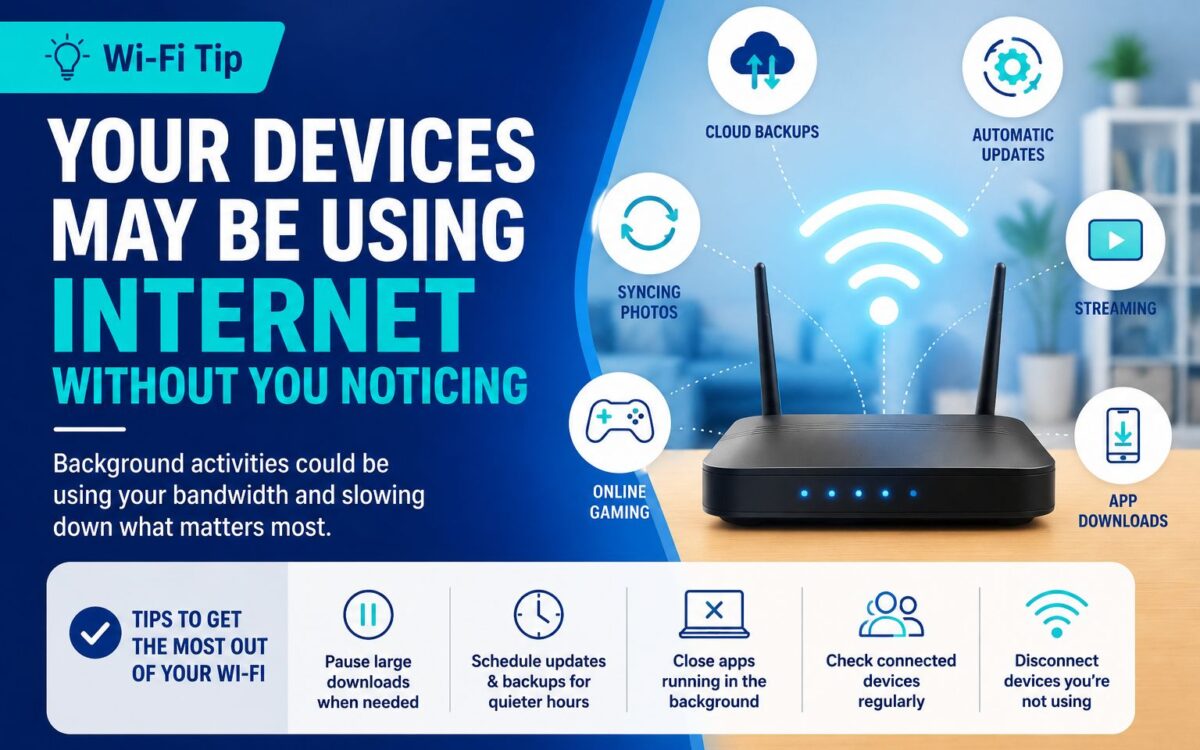
Many devices and applications continue using bandwidth in the background, even when you are not actively using them. Automatic software updates, cloud backups, photo synchronization, app downloads, security cameras, smart-home devices and streaming apps can all consume part of your connection.
If several of these activities happen at the same time, you may notice slower loading times, buffering during streaming, lag while gaming or reduced quality during video calls.
A few simple adjustments can help:
Pause large downloads when you need a stable connection.
Schedule cloud backups and software updates during quieter hours.
Close apps that are running in the background unnecessarily.
Check which devices are connected to your home network.
Disconnect devices you are no longer using.
Review automatic update settings on phones, computers and gaming consoles.
Understanding what is happening in the background can help you manage your home internet more effectively and make better use of the connection you already have.