

How to Improve Your Home Wi-Fi Signal for Better Streaming and Gaming
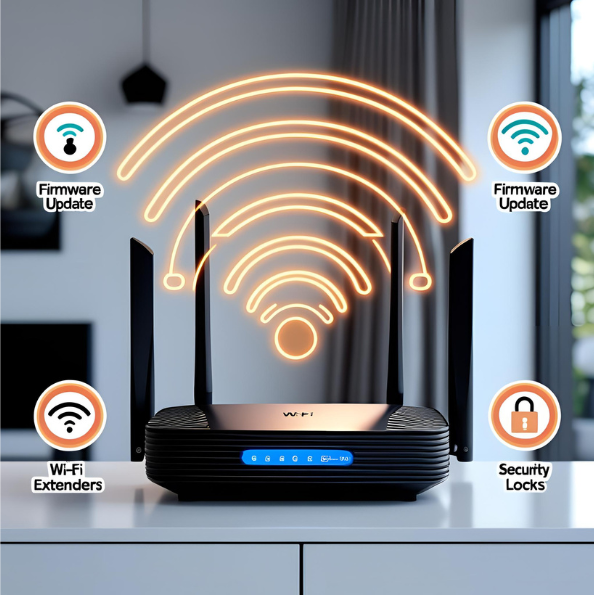
Slow or spotty Wi-Fi can ruin your streaming and gaming experience, That’s why it’s crucial to improve your home WiFi signal for fast, reliable connections.
Tips to Improve WiFi Signal:
- Optimal Router Placement
First by placing your router in a central, elevated location away from walls and metal objects, which helps boost Wi-Fi coverage. - Next Update Your Router Firmware
Updating your router firmware regularly can enhance both performance and security. - Use Wi-Fi Extenders or Mesh Systems
For larger homes, use Wi-Fi extenders or mesh systems to improve your home WiFi signal and eliminate dead zones. Limit interference by keeping devices like microwaves, cordless phones, and baby monitors away from your router. - Also Limit Interference
Keep devices like microwaves, cordless phones, and baby monitors away from your router. - Choose the Right Wi-Fi Band
Choose the right Wi-Fi band: 5 GHz provides faster speeds for short distances, while 2.4 GHz gives longer coverage. - In Addition Secure Your Network
Secure your network with strong passwords to prevent unauthorized access that can slow your internet.
Improve your home Wi-Fi signal
Contact H2Connect+ to check your address and discover which providers and plans can further help you . Learn more about comparing internet plans or check out tips on optimizing your home network to get the most out of your internet connection. Following these steps ensures uninterrupted streaming, smooth online gaming, and reliable connectivity for your family. For professional setup assistance, speak with an H2Connect+ agent today and experience how easy it is to improve your home Wi-Fi signal.